You spend several hours developing a useful article. You research the subject, organize your ideas, improve the introduction, and finally publish it. You share it once, receive a little engagement, and then move on to the next piece.
That is an exhausting way to create content.
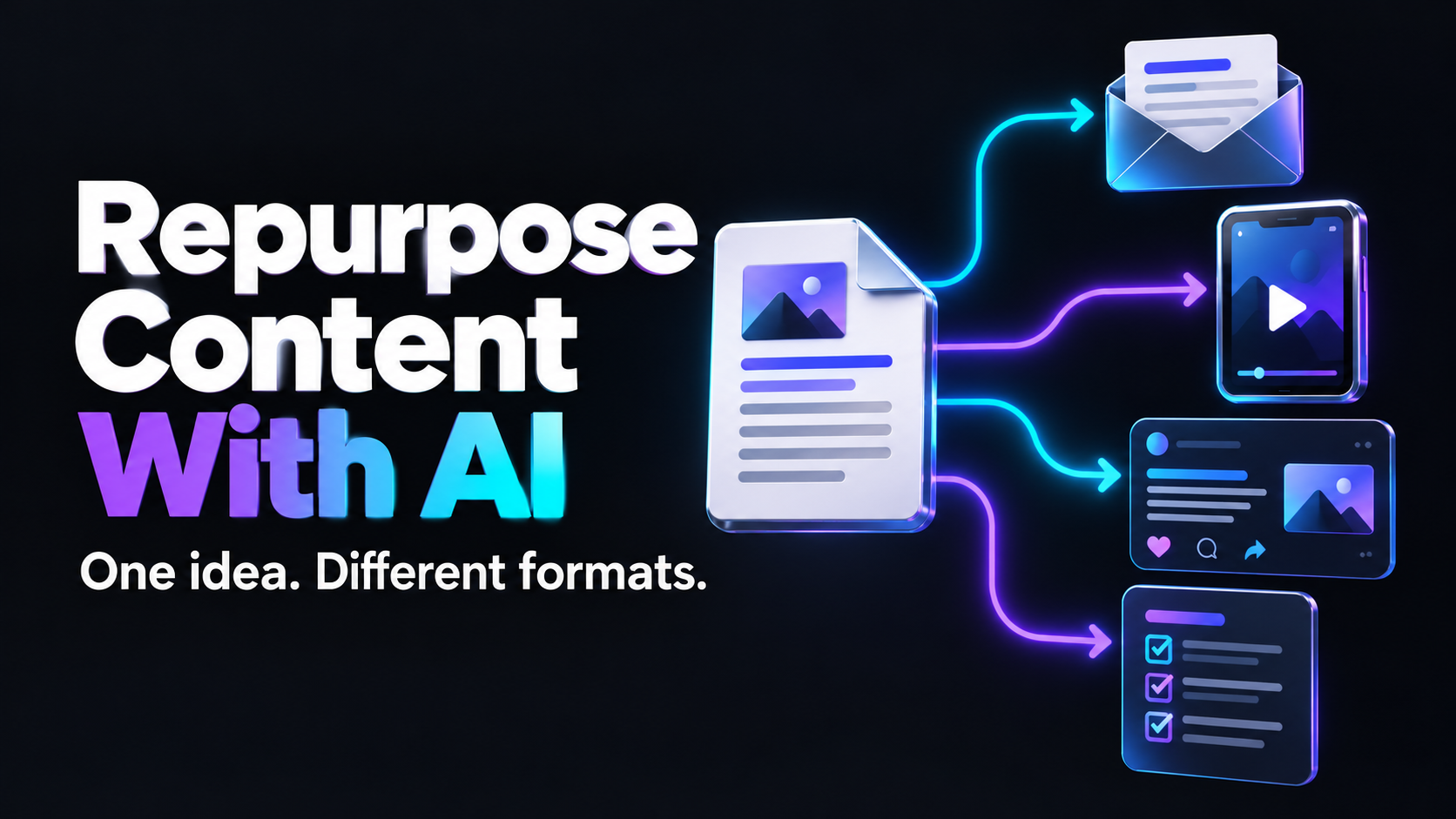
A strong idea should not disappear after one publication. It can become a social post, email, video script, checklist, discussion question, or follow-up article. The challenge is adapting it without making every version feel like the same paragraph wearing a different outfit.
This guide explains how to repurpose content with AI while preserving the originality, usefulness, and human voice that made the source original worth reading.
What Content Repurposing Actually Means
Content repurposing is the process of adapting one central idea for different formats, channels, and audience needs.
It is not copying the same caption across every platform. It is also not asking an AI tool to create ten slightly different versions of one paragraph.
Effective repurposing preserves the core insight while changing its presentation.
A detailed blog post might become a concise checklist for someone who wants immediate action. The same post could become an email story for subscribers, a short video script for visual learners, and a LinkedIn post designed to start a professional discussion.
The subject remains consistent, but each version serves a different purpose.
Begin With Content Worth Repurposing
Repurposing cannot rescue a weak idea. Before creating multiple formats, confirm that the original content contains something useful.
A strong source piece usually includes:
- A clearly defined problem
- A specific audience
- One central argument or lesson
- Practical steps
- An example
- Common mistakes
- A useful conclusion
- A natural next action
Evergreen guides, original research, tutorials, customer questions, webinars, case studies, and detailed newsletters are excellent source material.
Announcements with little context, generic motivational posts, and articles that merely summarize competitors usually provide less material to work with.
Ask one question before continuing: if someone saw only the central idea, would it still help them?
Step 1: Create a Content Map
Do not immediately ask AI to rewrite the entire article. First, break the source into reusable parts.
Create a content map containing:
- The main argument
- Three to five supporting points
- A memorable example
- A useful process
- One surprising observation
- Common mistakes
- Questions readers may ask
- The final call to action
Use this prompt:
Analyze the content below and create a content map. Identify the central argument, supporting lessons, practical steps, examples, common mistakes, audience questions, and strongest takeaway. Do not rewrite the content yet and do not introduce claims that are not in the source.
The map gives you a set of ideas rather than a collection of duplicate sentences.
Step 2: Match Each Idea to the Right Format
Not every point deserves every format.
A step-by-step process may work well as a carousel or checklist. A surprising lesson might become a short social post. A customer question could become an email or video. A detailed comparison may deserve its own follow-up article.
Choose formats according to the idea:
- Processes become checklists or carousels
- Opinions become discussion posts
- Examples become short stories or videos
- Statistics become visual summaries
- Questions become FAQs or polls
- Detailed lessons become emails
- Related subtopics become new articles
This prevents the common mistake of forcing every section into the same content template.
Step 3: Give Every Version a Different Job
Two pieces can discuss the same subject without competing when they have different objectives.
One version might educate. Another might challenge a common assumption. A third might help the reader make a decision. Another might introduce a tool.
Before generating each asset, assign it one job:
- Attract attention
- Teach a process
- Build trust
- Start a conversation
- Answer an objection
- Encourage a website visit
- Support a buying decision
A clear purpose helps AI select the appropriate structure, tone, and call to action.
Ten Assets You Can Create From One Article
Imagine that your original article explains how small businesses can build a weekly marketing plan.
1. A LinkedIn Insight Post
Extract one strong lesson and connect it to a familiar business problem. Introduce the idea, explain why it matters, and offer one action readers can take.
Use this prompt:
Turn the following lesson into a professional LinkedIn post for small-business owners. Begin with a specific problem, explain one useful insight, include a practical example, and finish with a thoughtful question. Keep the tone natural and avoid exaggerated claims.
You can also use the AI LinkedIn Post Generator to explore alternative hooks and structures.
2. A Short Educational Video
Choose one process that can be explained in less than a minute. Start with the problem, demonstrate the solution, and finish with one memorable takeaway.
Do not attempt to summarize the entire article. A short video should communicate one useful idea clearly.
3. An Email Story
Use the article’s most relatable situation as the opening of an email. Explain the lesson conversationally and link to the complete guide for readers who want the full process.
An email should feel personal rather than like a compressed blog post.
4. A Practical Checklist
Convert the process into a list readers can save and use. Remove unnecessary explanation and begin each item with a clear action.
Checklists work particularly well when the original content contains a repeated workflow.
5. A Carousel Outline
Turn five supporting ideas into a visual sequence. Give each slide one message and make sure the sequence creates a logical progression.
The final slide should summarize the lesson or suggest a relevant next step.
6. A Myth-and-Reality Post
Identify a common misconception addressed by the article. Explain why it is incomplete, then replace it with more practical advice.
This format works because it creates curiosity while still offering useful information.
7. A Frequently Asked Question
Take one question from the content map and answer it directly. This can become a website FAQ, social post, email section, or starting point for another article.
Useful questions often come from customer conversations, comments, and search queries.
8. A Discussion Question
Turn the article’s central tension into a genuine question. Add enough context to make the conversation meaningful.
Avoid empty engagement prompts. Ask something that you would genuinely like your audience to answer.
9. A Before-and-After Example
Show how an idea, workflow, headline, or piece of copy improves after applying the article’s advice.
Concrete transformations are often easier to understand than abstract recommendations.
10. A Follow-Up Article
Select a supporting idea that deserves deeper treatment. The follow-up should answer a narrower question rather than repeating the original article.
Link the two articles so readers can move naturally between the broad guide and detailed explanation.
Step 4: Adapt the Opening for Each Channel
Using the same opening everywhere is one of the fastest ways to make repurposed content feel repetitive.
A search-focused article might begin by naming the problem clearly. An email might begin with a personal observation. A short video may need an immediate question or visual demonstration. A professional social post might open with an unexpected business lesson.
Ask AI to generate multiple approaches:
Create five opening angles for this idea: a direct problem, a question, a short story, a counterintuitive observation, and a practical promise. Keep every version accurate and avoid clickbait.
Choose the opening that matches the channel and rewrite it in your own voice.
Step 5: Preserve Your Brand Voice
AI-generated repurposing often becomes generic because the tool receives information about the topic but nothing about the speaker.
Give it a short voice guide containing:
- Your preferred level of formality
- Typical sentence length
- Words you commonly use
- Expressions you avoid
- How direct or conversational you want to sound
- Whether humor suits your brand
- How you describe your audience
Include two examples of writing that sound like your business. Real examples are more useful than vague instructions such as “make it engaging.”
After generating a draft, read it aloud. If you would never say a sentence in conversation, rewrite it.
Step 6: Add Something New to Every Version
Repurposed content becomes more valuable when each version adds a small new layer.
You might include:
- A different example
- A shorter action plan
- A customer question
- A personal observation
- An updated screenshot
- A channel-specific recommendation
- A mistake that was not covered originally
This gives loyal followers a reason to engage even if they already saw the source material.
A 60-Minute Content Repurposing Workflow
Spend the first ten minutes choosing one valuable source and creating its content map.
Use the next fifteen minutes to select five ideas and assign each one a format, audience need, and objective.
Spend twenty minutes generating first drafts. Work from one idea at a time rather than requesting every format in one large prompt.
Use the final fifteen minutes to fact-check, remove repetition, improve openings, add personal insight, and schedule the content.
The objective is not to produce as much content as possible. It is to extend the reach of a useful idea without lowering its quality.
How to Avoid Repetitive AI Content
Before publishing, compare all the versions together.
Check whether they use the same opening, example, sentence structure, or call to action. Remove unnecessary phrases such as “in today’s fast-paced digital world” and “unlock the power of.”
Confirm that each piece has its own purpose and delivers value without requiring readers to see every other version.
Most importantly, do not invent results, customer stories, experience, or statistics. If the source does not support a claim, the repurposed version should not include it.
Measure the Right Results
Different formats should not be judged by the same metric.
A social post may be designed to start conversations. An email may aim to generate clicks. A checklist might earn saves. A video could increase reach, while a detailed article supports search visibility over time.
Track the result connected to each asset’s original purpose.
After several weeks, you should begin to see which topics, formats, and channels produce meaningful responses. Use that information to decide what deserves to be repurposed again.
Final Thoughts
Content repurposing with AI is not about flooding every channel with more material. It is about giving a valuable idea more than one opportunity to reach the right person.
Begin with something worth saying. Break it into useful parts, assign each version a clear purpose, adapt it for the channel, and add enough original thought to make it valuable on its own.
AI can shorten the distance between one idea and ten finished assets. Your judgment is what stops those assets from sounding like ten versions of the same post.